

A free website technology checker for any public site
Ever landed on a beautifully built website and wondered what platform it runs on? The LogoColorStudio CMS Detector answers that question in a few seconds. Paste an address, press Detect, and the tool tells you which content management system, website builder or ecommerce platform most likely powers the page, how confident that match is, and which supporting technologies it spotted along the way.
A content management system, or CMS, is the software a team uses to create, edit and publish pages without writing every line of code by hand. WordPress, Shopify, Wix, Squarespace, Webflow, Drupal, Joomla, Magento, Ghost and many others all fall into this group. Some are self-hosted open-source projects, some are hosted builders that bundle design, hosting and editing, and some are headless systems that only store content while a separate front end displays it.
The tool is built for people who need a quick, honest answer: designers researching inspiration, developers scoping a migration, agencies qualifying leads, marketers checking which integrations a partner can support, and SEO specialists auditing competitors. Students learning how the web works also use it to see real examples of each platform in the wild.
Knowing the platform matters because it shapes almost everything else about a site: how pages are structured, which plugins or apps are available, how fast the site can be, how easy it is to move content, and what it typically costs to maintain. Instead of digging through source code yourself, the detector collects the evidence and explains it in plain language. It is free, needs no account, and only reads the same public information your own browser receives when you visit a page.
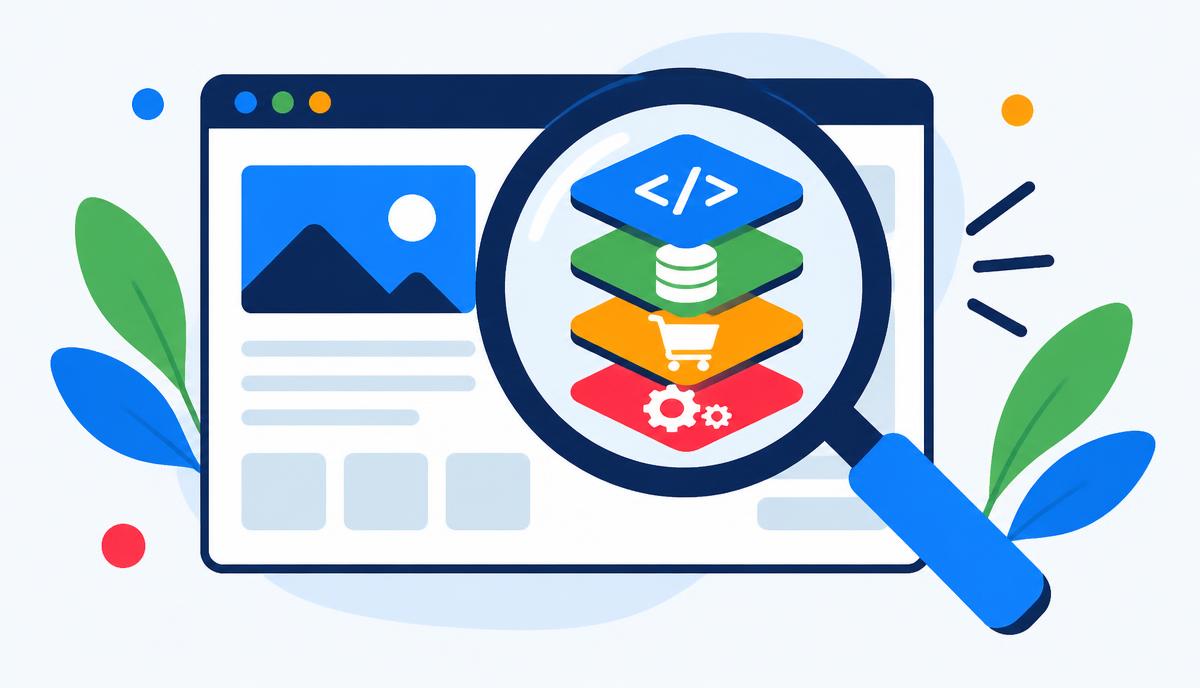
How to find out what CMS a website uses
- Copy the address. Open the site you are curious about and copy its URL, or simply type the domain, such as
example.com. The scheme is added for you. - Paste it into the field above and click Detect. The check usually finishes in a few seconds.
- Read the most likely platform. The large heading shows the strongest match. Below it, bars show the confidence for every platform that matched.
- Review the evidence. Each match lists the signals behind it, such as a generator tag, an asset folder or a response header, so you can judge the result yourself.
- Check the technical panel. The side panel shows the page title, status code, response time, page size, language, generator tag, server and X-Powered-By header.
- Go deeper. For WordPress and Shopify sites, follow the link to the matching theme detector to learn the exact theme, plugins or apps.
Key features
- Weighted fingerprints for more than thirty CMS, builder and ecommerce platforms.
- A confidence percentage for every match, not a single unexplained guess.
- Visible evidence for each result so you can verify it.
- Detection of 40+ supporting technologies: JavaScript frameworks, analytics, tag managers, CDNs, hosting and page builders.
- Recognition of headless setups, such as a Next.js front end over a headless CMS.
- Detect Shopify, detect WooCommerce, detect Magento, BigCommerce, PrestaShop and other store platforms.
- Response details: status code, speed and page weight.
- Generator, server and X-Powered-By header readout.
- Clear messages when a site blocks automated visits instead of a misleading empty result.
- One-click hand-off to the WordPress and Shopify theme detectors.
- No sign-up, no installs and no browser extension required.
- Works on desktop and mobile.
Why knowing a website's platform matters
Competitor analysis. If several leading competitors in your niche use the same platform, that tells you something about what works for businesses like yours. A store on Shopify Plus suggests a different budget and growth stage than one on a free website builder. Pairing the platform with the technology stack, such as which analytics, email or review tools are present, gives you a practical picture of how a rival operates online.
SEO planning. Every platform handles search basics differently. WordPress gives you enormous control through plugins but depends on good configuration. Hosted builders make clean defaults easy but can limit custom markup, redirects or server settings. When you audit a site, knowing the CMS tells you where titles, canonical tags, sitemaps and structured data are probably generated, and which fixes are realistic. It also explains common patterns, such as duplicate collection URLs on Shopify or tag archives on WordPress.
Web development and migrations. Before quoting a redesign or a move to a new system, developers need to know what they are migrating from. Content export options, URL structures, image storage and plugin data vary widely. A quick check helps you estimate effort, ask the right questions and avoid surprises halfway through a project.
Sales and partnerships. Agencies, app makers and freelancers often specialise in one ecosystem. Checking the platform first means you only pitch services that genuinely fit, which saves time on both sides and makes outreach more relevant.
Security awareness. Site owners can confirm what their own site reveals publicly. If your generator tag advertises an exact old version number, you may want to update the software and hide that detail. The detector shows only public signals, so it is a useful way to see your site the way any visitor or scanner sees it.
Learning and inspiration. Designers often fall in love with a layout and want to know whether they could build something similar with tools they already know. Finding out a site was made in Webflow, Framer or Squarespace instantly tells you whether that look is within reach.
Who uses the CMS Detector
Designers use it to research inspiration and understand which builders produce the layouts they admire. Combined with the Website Extractor, they can capture both the platform and the color and font system of a reference site.
Developers run checks before estimating work, when inheriting an unfamiliar project, or when debugging an integration that behaves differently on each platform. Seeing the framework, CDN and hosting signals together saves time spent reading source code.
Marketers check which analytics, tag managers and email tools competitors use, and whether a partner's site can support a particular widget, pixel or integration before planning a campaign.
SEO professionals identify the platform at the start of every audit so their recommendations match what the site can actually change. They often follow up with the Website Auditor to review titles, headings, links and other on-page factors.
Store owners and sales teams use it to benchmark rival shops, qualify leads by ecommerce platform and find the theme or apps behind a store with the Shopify Theme Detector or WordPress Theme Detector.
CMS vs framework: what is the difference?
A CMS manages content: it has an editor, stores pages and posts, and usually renders the final HTML. A framework such as React, Next.js, Vue, Nuxt or Laravel is a set of building blocks developers use to write an application. A site can use both: a headless CMS like Contentful or Sanity can store the content while a Next.js front end displays it. That is why the detector reports platforms and technologies separately, and why one site can show several results at once.
How to inspect a site's source code yourself
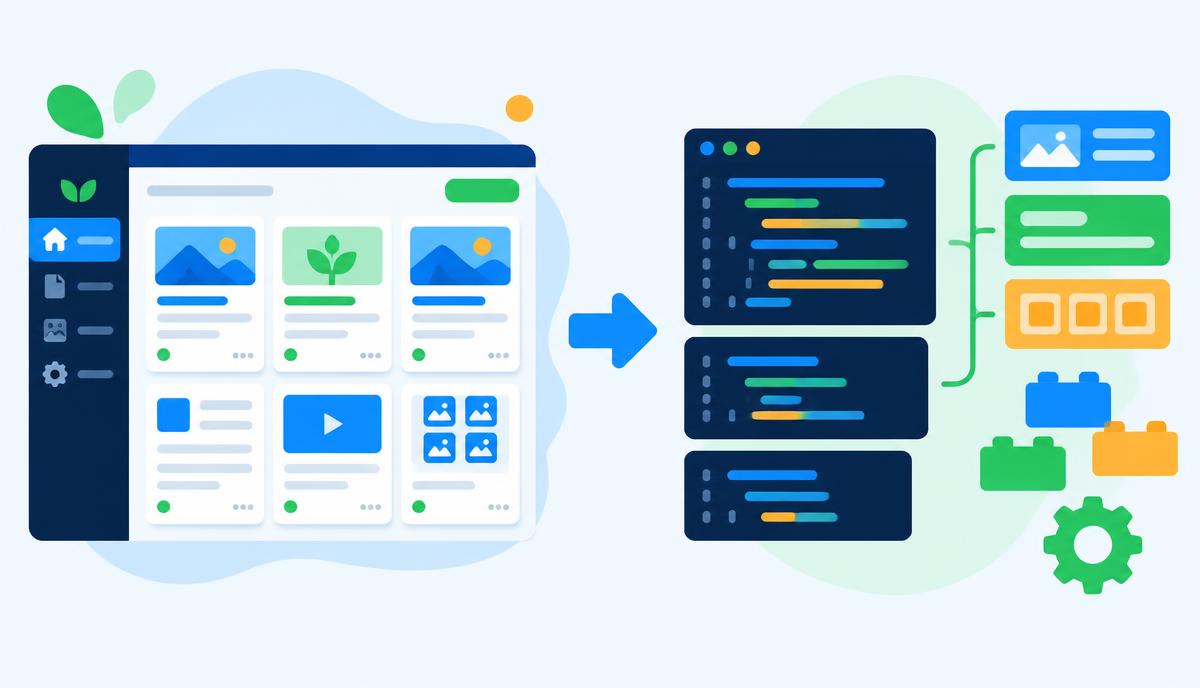
You can confirm many results manually. In most browsers, right-click and choose View page source, then search for clues: a <meta name="generator"> tag, paths like /wp-content/, /cdn/shop/ or /sites/default/files/, or scripts from a builder's domain. Your browser's developer tools also show response headers in the Network tab, where values like x-powered-by or platform-specific headers often appear.
Technical deep dive: how detection works
When you submit a URL, our server validates it, refuses private or internal network addresses, and requests the page with a normal browser-style request. Fetching happens on the server because browsers block most cross-site requests. The tool then examines several independent sources of evidence.
First, the HTML: generator meta tags, characteristic class names and data attributes, links to theme and asset folders, inline JavaScript objects such as Shopify.theme, and script sources loaded from known platform domains. Second, the HTTP response headers: server names, X-Powered-By values, cookies and platform-specific headers. Third, where useful, a small number of light secondary checks against well-known public paths help confirm a weak match.
Each signal carries a weight. A generator tag that names the platform is strong evidence; a shared library is weak evidence. The weights are combined into a score capped at 100%. Results above roughly 80% are very strong matches; lower scores mean fewer signals were found. If a site is custom-built, heavily cached behind a firewall or deliberately hides its fingerprints, the detector says so instead of inventing an answer. Requests are rate limited per visitor to keep the service fast, and scanned pages are not stored.