

Free Color Palette Exporter – CSS, Tailwind, SCSS & JSON
A palette should travel from a design conversation into implementation without being retyped by hand. The Export Center converts a set of colors into CSS variables, SCSS variables, a Tailwind configuration snippet, structured JSON or a labeled PNG. You can begin with the latest palette saved in this browser, then edit the values and choose a token prefix.
The export is a portable set of raw color values rather than a complete component theme. It does not decide which shade belongs to an error message or guarantee accessible combinations. Establish semantic roles separately and check text/background pairs before using the exported values in an interface.
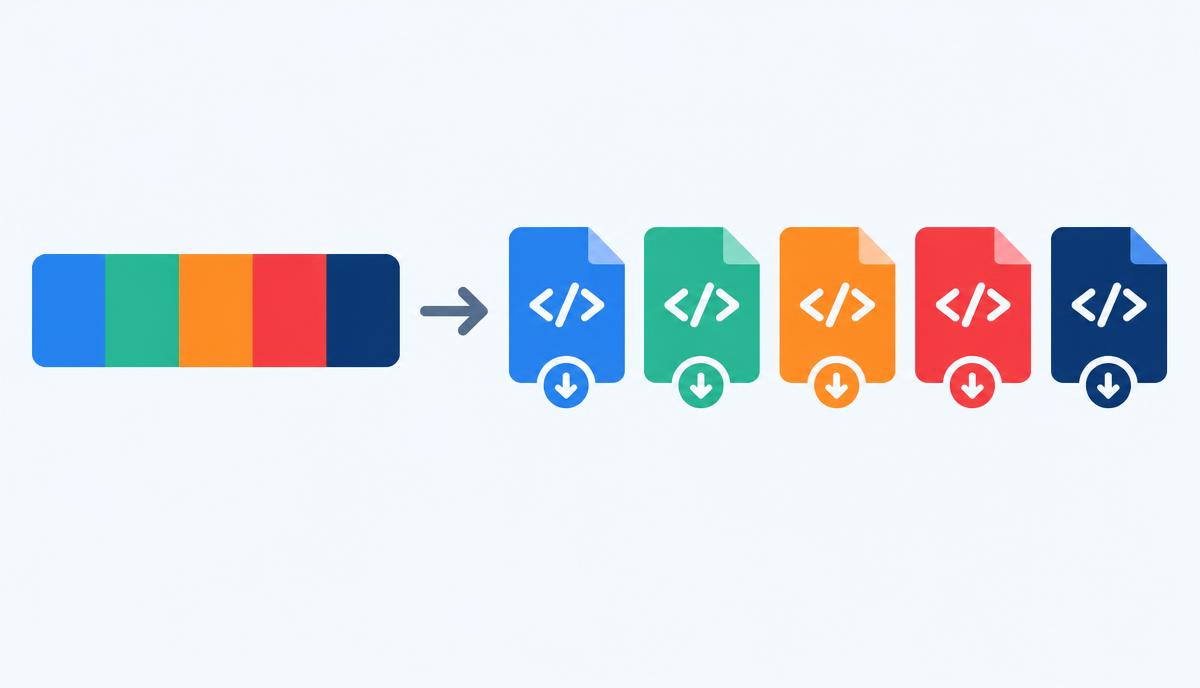
How to use the Export Center
- Load the latest saved palette or edit the color values directly in the list.
- Add or remove swatches until the palette contains the colors you intend to distribute.
- Set a short token prefix that will be meaningful to your project and team.
- Choose CSS, SCSS, Tailwind or JSON in the export area and inspect the generated output.
- Copy the code or download the relevant file, then adapt its naming and integration to your project.
- Download the PNG for a visual handoff, and include usage notes or contrast checks separately when presenting a brand guide.
12 key features
- Latest browser palette loading.
- Editable color pickers.
- Editable HEX values.
- Add-color control.
- Remove-color control.
- One to ten swatches.
- Configurable token prefix.
- Live palette strip.
- CSS custom-property export.
- SCSS and Tailwind configuration export.
- JSON with HEX, RGB and HSL values.
- Labeled PNG for visual sharing.
Choosing the right export format
CSS custom properties work in modern browser stylesheets and can be referenced through var(). SCSS variables are resolved during Sass compilation and suit projects with that build pipeline. JSON provides data for scripts or token-processing workflows; the receiving application still needs to define how it uses that structure.
The Tailwind export is a JavaScript configuration-style snippet. It is useful where the project accepts that configuration format, but it is not a universal setup for every Tailwind release. Tailwind v4 commonly uses CSS-first configuration; map the exported values into the conventions already used by your project rather than assuming the snippet alone completes integration.
Raw values and semantic naming
A numerical scale identifies swatches consistently, but it does not automatically order them by lightness or give them design meaning. Review the palette order and use names that help your team distinguish brand values from interface roles. A prefix such as brand can identify the source set; semantic roles such as primary, surface and foreground can reference those raw values.
For example, a product button can depend on a primary token while the approved blue remains stored as a raw brand value. If the button’s usage changes, update the mapping instead of replacing the color everywhere. Do not label arbitrary swatches as warning or success unless you have checked the meaning and associated foregrounds in context.
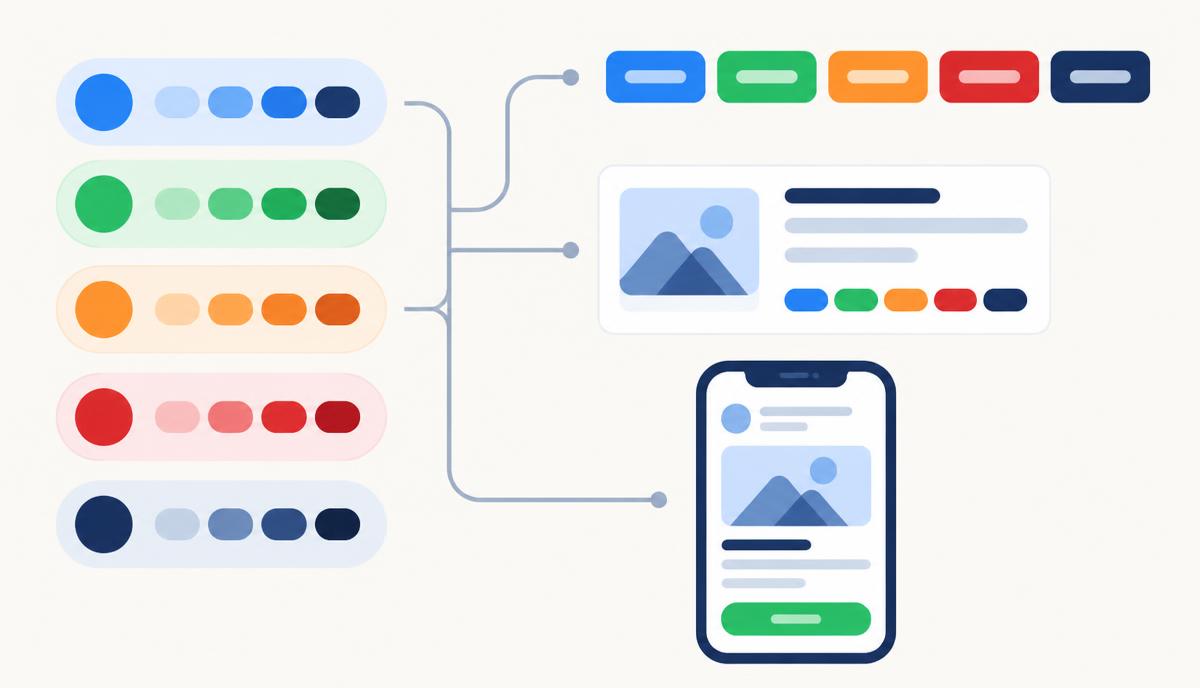
HEX, RGB and HSL in a development workflow
HEX is compact and common in brand guides. RGB makes the red, green and blue channels explicit, while HSL expresses hue, saturation and lightness. These are representations of the same sRGB color, not different color themes. JSON includes converted values so a downstream tool can choose the representation it expects.
HSL can be useful for exploratory adjustments, but equal steps in HSL lightness are not guaranteed to look equally bright. Exporting a color also does not convert it into a print-ready CMYK specification or predict how it appears on every monitor. Keep print approvals and calibrated color-management decisions separate from these screen-oriented values.
Sharing a palette with another team
Designers can attach the PNG to a presentation so recipients see the swatches and HEX labels without opening a configuration file. Developers can use the text exports to avoid manual transcription. Marketers can align campaign colors with an approved reference, while content and SEO teams should focus on readable headings, links and captions rather than treating a palette as a ranking factor.
A complete handoff should name the palette, identify its approved source and describe intended roles. Add examples of foreground/background pairings and include any font or asset permissions separately. The PNG carries the visible palette; it does not embed a complete set of design-system rules, accessibility findings or print-production instructions.
Validation before integration
Inspect exported names and values before replacing an existing stylesheet. The prefix field accepts a restricted set of characters, but the output still needs to fit your naming scheme and build setup. Check for collisions with variables already in use and keep source values versioned alongside the project when a repeatable implementation matters.
Test the receiving application after integration. A correct color file can still be used incorrectly: muted text may be too faint, a chart may rely on hue alone, or a button’s label may be unreadable. Use the Theme Generator for semantic light/dark proposals and the Contrast Checker to validate actual pairs. Browser-local palette persistence is convenient, but exported files are a better record for durable handoffs.
Continue your workflow
- Logo Extractor — Upload a logo and get its exact brand colors in HEX, RGB and HSL.
- Palette Generator — Create harmonious palettes, lock, shuffle and export.
- Contrast Checker — Test any color pair against WCAG AA and AAA.
- Theme Generator — Build light and dark UI themes from your palette with live preview.