

A practical, evidence-led website health check
A useful website review begins with observable facts. The Website Auditor examines public HTML and response details, then organizes findings into categories with a status, evidence, explanation and suggested next step. Instead of presenting a mysterious grade alone, it shows which checks were performed and how much of the possible check set was actually tested. That distinction matters: a report with limited coverage should not be read as a full-site certification.
Use the auditor to spot common on-page SEO omissions, review selected accessibility and security signals, notice basic content or navigation issues, and make a prioritized list for a human to verify. For an individual URL, focused mode can inspect a sample of one to three pages. Site-wide mode discovers same-site URLs from links and a sitemap and scans up to 100 pages in paced batches. The scan may take time; leave the browser tab open and consult the coverage and crawl notes when it finishes.
This is a static analysis tool, not a browser laboratory. It does not render the site, run its JavaScript, submit forms, take screenshots, or measure Core Web Vitals. It cannot see logged-in content or guarantee that a search engine crawls, indexes, or ranks a page. Treat findings as a transparent starting point for investigation, not a replacement for Search Console, analytics, accessibility testing with assistive technology, or real-user performance data.
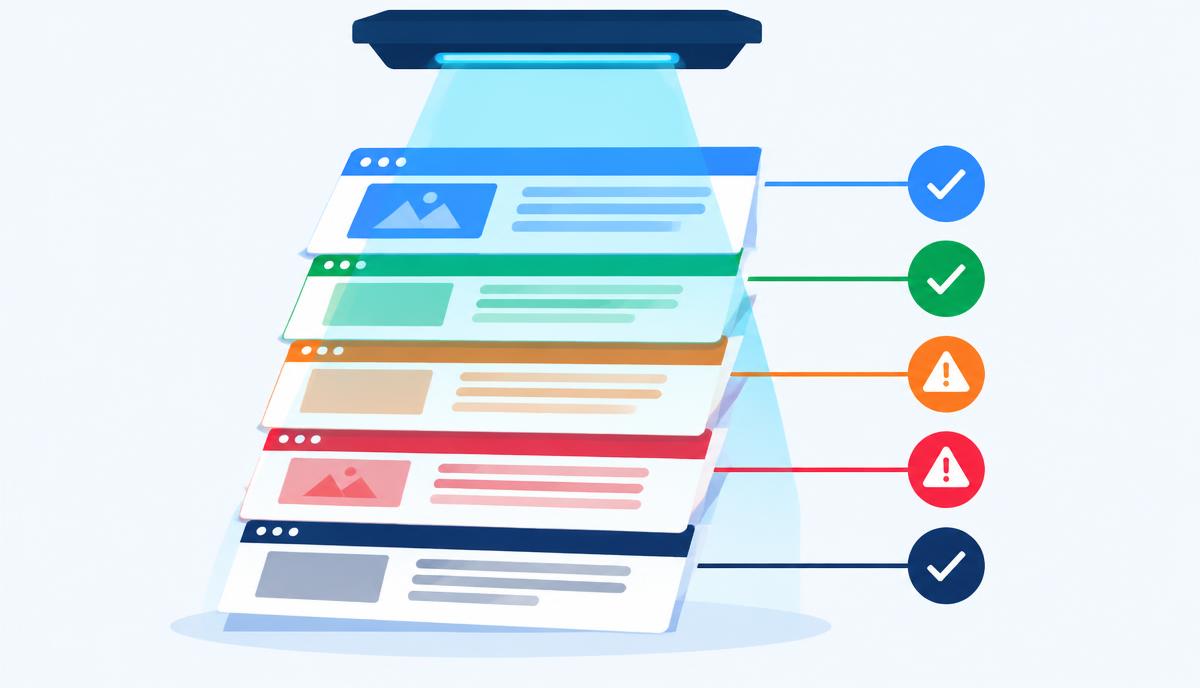
How to run a website audit
- Choose a public address. Enter a website URL that loads without signing in. Use a page you own or are authorized to review.
- Select the scope. Choose site-wide discovery for a broader crawl of up to 100 URLs, or focused mode for a deliberate one-to-three-page sample.
- Set optional checks. In audit settings, choose whether to sample same-site links and images. These checks have limits and do not inspect every destination or asset.
- Start the scan and keep the tab open. Site-wide pages are processed in paced batches. You may stop the scan and retain a partial result.
- Read evidence and coverage together. Review findings by category, distinguish failed checks from warnings and Not Tested items, and note pages skipped or still pending.
- Prioritize, fix, and verify. Make changes in your site platform, then rerun the same scope. Export a PDF, CSV or JSON copy when you need to share or retain the report.
Key features
- Site-wide discovery through same-site links and sitemap references, with a limit of 100 scanned URLs.
- Focused checks covering a one-to-three-page sample.
- Evidence, explanation and a practical recommendation for findings.
- Category-level status and scores alongside a separate coverage percentage.
- Static SEO checks for titles, descriptions, headings, canonicals, robots directives and structured data.
- Additional signals spanning content, accessibility, security, images, forms, navigation and technology.
- Optional sampled same-site link and image checks, with explicit count limits.
- Optional comparison scan against a competitor using matching scan settings.
- PDF, CSV and JSON report exports.
- Browser-local history retaining up to ten reports without account synchronization.
- Not Tested states and scope notes that expose missing or unsupported measurements.
Why an evidence-first audit is useful
It makes recommendations actionable. A generic score does not tell a site owner what to change. An evidence-led report connects a check to the affected URL and explains why a signal may matter. That gives a developer or editor something concrete to verify in the source or content management system, rather than encouraging changes based on guesswork. Evidence is still a clue, not an absolute verdict: templates, application behavior, and business context can affect what an observation means.
It helps prioritize work. Websites accumulate issues as content and templates change. A page may lose a useful title, gain duplicate headings, or reference an unavailable image during a release. Grouping observations by category makes it easier to identify repeated template problems versus isolated content mistakes. Teams can choose high-impact corrections first and leave cosmetic or low-priority work for later. The audit score is deliberately narrower than an overall quality rating: it summarizes tested checks under a stated scoring method.
It helps teams discuss scope honestly. A crawl cannot establish that every site page is healthy unless it actually reaches every relevant page, and this tool caps its site-wide scan at 100 URLs. Pages behind login, pages with no discoverable links, or routes created only after client-side execution may be absent. Coverage and notes help reviewers understand this boundary before sharing conclusions with a client or stakeholder. Repeating an audit after changes can support a practical before-and-after conversation, while browser-local history enables quick return to recent reports on the same device.
It complements specialist tools. Static page checks answer a different question from analytics, field performance monitoring, accessibility testing, and search engine indexing reports. A title tag can be present while a page remains blocked elsewhere. A fast server response does not establish a good visual experience. A structured-data block can parse but still be ineligible for a particular search feature. The best use is to combine the report with the tools and human review that address the specific question at hand.
It encourages repeatable quality routines. Teams can audit key pages during a redesign, before a release, or when reviewing a content migration. Export formats make it possible to discuss concrete findings outside the browser. Keep a copy when you need a durable record, since the local history is limited and stays in the current browser. When a finding is fixed, inspect the rendered page and source yourself, then rerun the scan to see whether the static signal changed.
Who uses a website auditor?
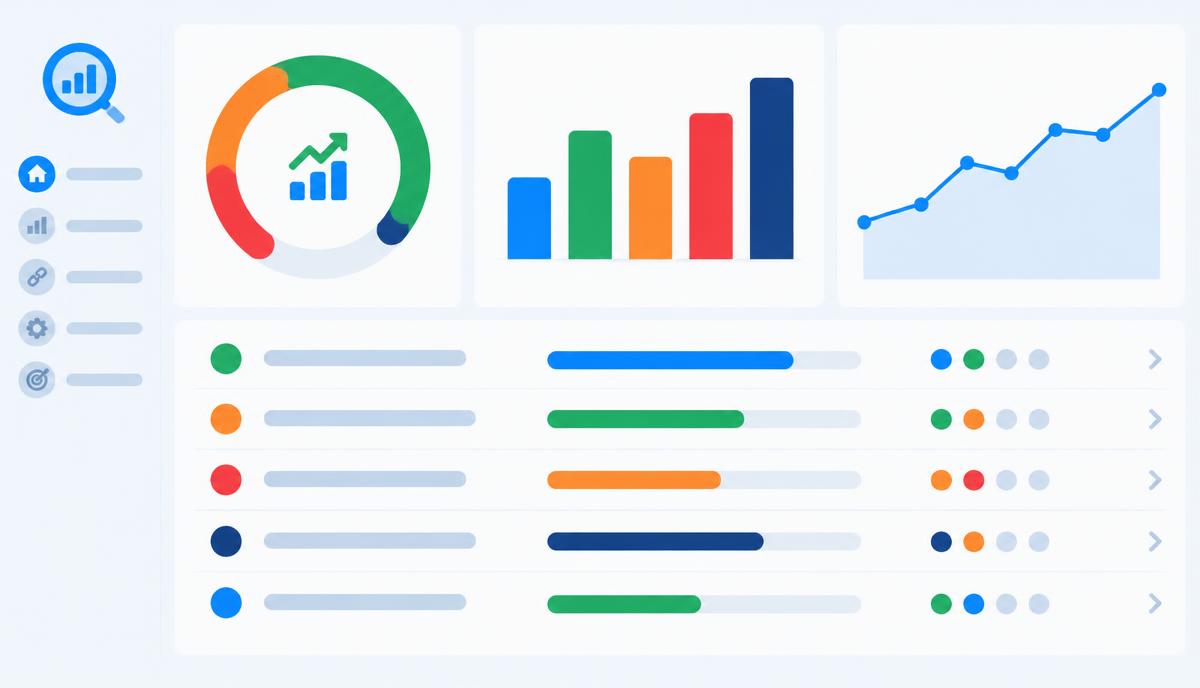
Small-business owners use a scan to spot obvious page-level omissions before asking a developer for help. A report can make the conversation more specific: which page has a missing description, what the HTML exposes, and whether the issue appears on several URLs. Owners should still confirm that recommendations fit their brand and conversion goals rather than making every change mechanically.
SEO specialists and content editors can use the findings as a first-pass checklist while reviewing titles, descriptions, heading structure, canonical tags, robots directives, sitemap signals and structured data. They can identify candidate pages for deeper inspection and explain why a static presence check is not equivalent to search visibility. The report does not replace rank tracking, crawl diagnostics, search console data, or editorial judgment about intent and usefulness.
Developers and agencies may run a focused scan during implementation review or a larger scan after a migration. Findings can reveal patterns in shared templates and help direct manual investigation. A small sample of links or images can expose some availability issues, but developers should use dedicated crawlers and deployment monitoring when exhaustive validation is necessary. Exported reports can support handoff, while the local history is convenient for quick comparisons on a single browser.
Designers and accessibility practitioners can use static signals as prompts to inspect pages more carefully. An image's alternative text, a page's heading structure, or a mobile viewport declaration may be worth reviewing, but an HTML-only check cannot judge every visual or assistive-technology experience. Keyboard operation, contrast in context, dynamic announcements, focus behavior and screen-reader usability require direct testing.
Product and marketing teams can use the report to coordinate a list of technical and content follow-ups. Comparing a public competitor scan may offer a limited point of reference, not a complete competitive analysis. Results are most valuable when the team records the scope, checks the evidence, assigns an owner, and validates the page after changes.
On-page SEO basics the audit can help review
Titles and meta descriptions summarize a page for browsers and search results. A title should distinguish the page and accurately describe its purpose; a description can provide a concise, relevant summary. The auditor can inspect static values and flag common issues, but it cannot determine which snippet a search engine will choose or whether a particular wording will improve performance.
Headings provide structure for readers and assistive technologies. A clear main heading and logically organized sections make a page easier to scan. Automated checks can identify structural patterns such as missing or repeated headings, but they cannot reliably decide whether every heading communicates the right idea or whether the content satisfies the visitor.
Canonical links and robots directives communicate crawl and URL preferences. A canonical reference may help identify a preferred version of similar pages; robots directives can request that a page not be indexed. These signals must be interpreted with redirects, HTTP headers, internal links and site configuration. A tag's presence alone does not prove that search engines will honor it.
Structured data describes page entities in a machine-readable format, often using JSON-LD. The auditor can review static schema-related signals, but it is not a guarantee of validity, eligibility, or enhanced search appearance. Validate important markup with dedicated search documentation and testing tools.
What static analysis can and cannot measure
Static analysis examines the HTML and response information available to the scanner without loading the page as a full interactive browser session. It is useful for inspectable properties such as tags, links, image references, headings, schema blocks and certain headers. It can flag a missing element or show exactly what text was retrieved. Site-wide results remain bounded by discovery and the 100-page cap, and the optional availability checks sample only limited numbers of same-site links and images.
Static inspection cannot see content that appears only after client-side JavaScript runs, assess layout shifts or overlapping controls, test interaction flows, submit a form, or evaluate a logged-in experience. It does not measure Core Web Vitals or browser-rendered performance. Fetch duration and HTML size are observations, not substitutes for lab or real-user metrics. Likewise, an HTML accessibility signal is not a complete accessibility audit. Use browser testing, assistive technology, field measurement and specialist validation for those needs.
Findings should therefore be treated as testable observations rather than search-ranking predictions. A result may be affected by a temporary network failure, access policy, unusual template, or incomplete discovery. Read the affected URL, evidence, status, coverage and notes together; verify important findings directly before making site-wide changes.
Technical deep dive: scan scope, scoring and retention
The audit flow requests permitted public pages and evaluates the returned static material. In site-wide mode, it begins with discovery, follows eligible same-origin URLs and processes discovered pages in paced batches. The crawl limit is 100 URLs, and batches are intentionally spaced. The browser displays progress and can produce a partial report when stopped. Focused mode instead requests the configured one-to-three-page sample. Crawl restrictions, inaccessible pages and undiscovered routes affect coverage, so the report's page list and notes are part of the result.
Checks are represented as findings with categories and statuses. For score calculation, a passed check contributes one point, a warning contributes half a point, and a failed check contributes zero. Not Tested findings are excluded from the score; coverage separately compares tested checks with the full set of findings. Category scores use the same general scoring approach. Consequently, a score is meaningful only alongside coverage and scope: it is not a ranking, a measurement of commercial success, or a universal grade for the site.
Reports can be exported in PDF, CSV and JSON formats. Up to ten reports may be stored in browser local storage for history and comparisons. That data is local to the browser and is not synchronized to an account; browser storage can be cleared or unavailable, so export a report if you need a separate record. Scheduled scans, email delivery and persistent cloud history are not part of this workflow.
For a broader design workflow, explore the Contrast Checker for color contrast or the CMS Detector to inspect public platform signals. Those tools answer different questions; combine their results with appropriate verification rather than treating any one scan as complete assurance.