

#0A8CFF#4CC53F#FFB11A#FF3B4E| Role | Example | What to verify |
|---|---|---|
| Body text | Dark neutral on a stable light surface | 4.5:1 minimum for ordinary text |
| Main action | Measured foreground and background | Default, focus, hover and pressed states |
| Supporting accent | Bright color with a dark label | Do not rely on hue alone for meaning |
Color associations are a starting point, not a promise
A palette can suggest a mood, but it cannot prove how every visitor will feel. Culture, personal experience, category conventions and the surrounding words all influence interpretation. Treat familiar associations such as calm blue or energetic red as hypotheses you can test, not universal psychological laws. There is no single color that guarantees trust, conversion or a premium perception across every business.
Consider two fictional businesses: a coastal accommodation service and a neighborhood repair workshop. Both might use blue, yet one could pair a light teal with airy photography while the other uses navy with direct service descriptions. The hue is only one part of the message. Typography, image selection, layout and the clarity of the offer can change the impression more than a small shift in the accent shade.
Blue: familiar, composed, sometimes conventional
Blue often appears in interfaces that aim for a composed tone, but using it does not make a company trustworthy. In an illustrative palette, #2563EB can provide a clear action accent while #0F1B3D anchors headings. A softer blue background can make a page feel spacious, provided body text stays dark enough. Compare your palette with competing sites so familiarity does not become indistinguishability.
For a professional service, the better question is not whether blue means reliability. Ask whether the chosen blue supports legible forms, recognizable links and a consistent identity. Show two versions with identical wording and layout to a few people from the actual audience. Ask what they think the business does and which version feels clearer, rather than asking them to guess your preferred color.
Red and orange: attention needs a purpose
Warm reds and oranges can create a lively composition, especially against restrained neutrals. They can also compete with error and warning colors in an interface. If a restaurant brand uses red as its primary accent, an invalid reservation form still needs an explicit message and icon so the error is distinguishable from ordinary decorative red. The same principle applies to sale badges and navigation.
Use #FF3B4E or #FFB11A as example accents, not as automatic white-text button backgrounds. Bright warm shades may require dark labels. Limit the number of competing emphasis points on a screen: if the headline, image border, button, badge and footer all shout at once, the page loses hierarchy. A purposeful accent directs attention toward a meaningful next step rather than decorating every available corner.
Green: natural references with contextual limits
Green can support imagery about gardens, outdoor products or wellbeing, but it should not be used to imply an environmental certification a business does not hold. A fictional gardening service might combine #166534, a muted leaf tone and a pale surface. The actual offer, sourcing information and evidence matter more than whether the page looks natural.
Green also serves as a common success indicator. If it is the main brand hue, differentiate success using a checkmark and a specific label such as booking confirmed. Avoid red-versus-green-only comparisons because some visitors cannot distinguish them reliably. Make chart series identifiable with labels, patterns or symbols in addition to color. A coherent brand palette should support, not replace, understandable interface language.
Purple, pink and neutrals
Purple and pink can feel expressive in one setting and conventional in another. Rather than claiming that purple always means luxury, examine saturation, brightness and the accompanying materials. A deep purple paired with spacious typography feels different from a bright violet used in a dense gaming interface. An illustrative creative studio might try #7C3AED with a pale neutral, then measure its text contrast before selecting the final roles.
Neutrals are not an absence of design. Dark headings, a consistent surface and readable supporting text can carry most of the experience while one accent distinguishes the brand. Black, white and gray must still be measured: pale gray body text on white is a frequent readability problem. Do not assume a monochrome layout is accessible just because it avoids saturated colors.
Create a role-based palette
Start with five roles: foreground, background, primary action, supporting surface and emphasis accent. Assign one candidate color to each role, then make a mockup with real text rather than judging isolated swatches. A loose 60/30/10 distribution can be a composition exercise, but it is not a required formula. A form-heavy application and an image-heavy portfolio naturally use colors in different proportions.
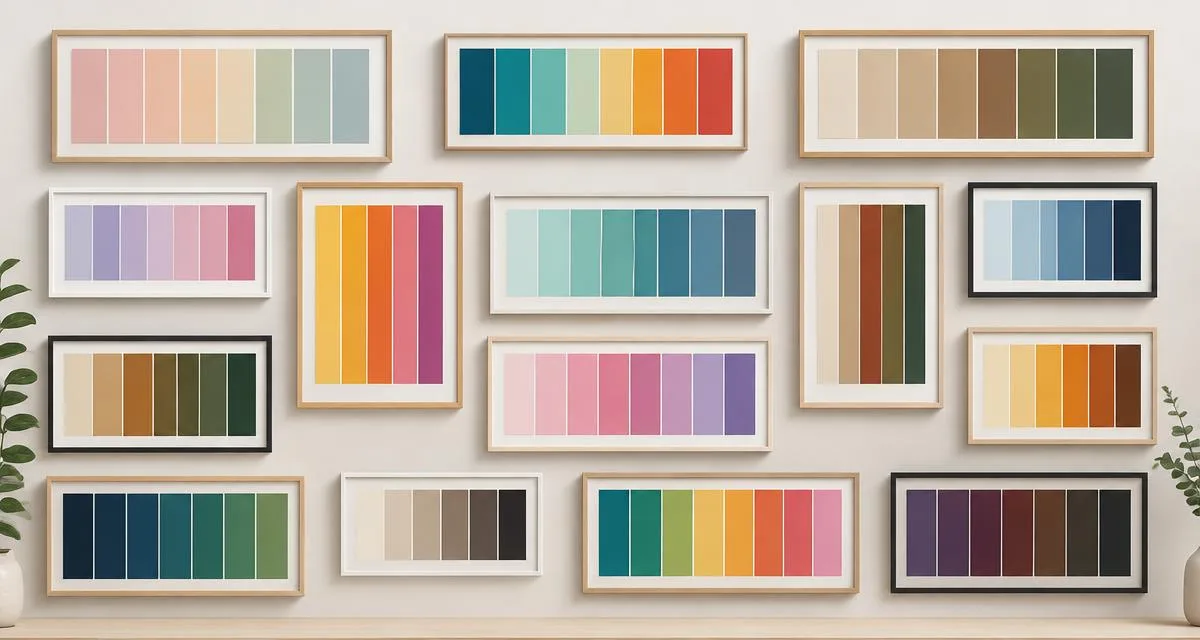
For a fictional workshop, navy headings and a pale surface might occupy most of the screen while orange highlights a quote request. For a wellbeing booking page, green can frame the identity while dark text handles appointments and policies. The Palette Generator helps explore supporting harmonies, and the gallery supplies alternatives across several styles.
Test interpretation and readability separately
Mood feedback and accessibility checks answer different questions. Ask people what the business appears to offer, which element they notice first and whether anything feels inappropriate. Separately, calculate contrast for ordinary text, large text and important controls. A participant saying that a pale color feels gentle does not establish that the small text on it is readable.
Keep a brief decision record for each option: intended impression, audience feedback, contrast measurements and remaining concerns. If you run a comparison in production, change as little else as possible and avoid promising that a particular hue caused the result. Seasonality, traffic sources, copy and performance can all affect behavior. Prefer a clear, usable identity over an unsupported claim that a color will increase revenue.
Frequently asked questions
Is there a best color for every industry? No. Category conventions can guide exploration, but a business should choose colors that fit its actual offer, audience and accessibility needs.
How many brand colors should I choose? Begin with a small set of role-based colors. Add another only when it solves a real communication problem, such as distinguishing a chart series or a meaningful interface state.
Do I need to redesign my logo if its colors fail contrast? Not necessarily. Preserve the mark and introduce accessible text or action variants for the interface. A decorative brand color does not need to do every job on the page.